Documentation Index
Fetch the complete documentation index at: https://developers-sandbox.uqpaytech.com/llms.txt
Use this file to discover all available pages before exploring further.
Initial Setup Guide for Registration and Activate UQPAY Account
Registration process on the webpage:
- After entering required fields (first name, last name, and registration email) on the webpage, a registration email will be sent.
- After setting your login password via the link in the email, you have registered as a main account.
Why can’t I verify my email address?
When opening an account with UQPAY, you’ll need to receive an email to verify the address provided during sign-up.
If you don’t receive this email, check your junk/spam folder in case your spam filter moved it there. If it’s not in spam/junk, please get in touch with the UQPAY Customer Support Team to investigate.
Received an error message when trying to verify the email address
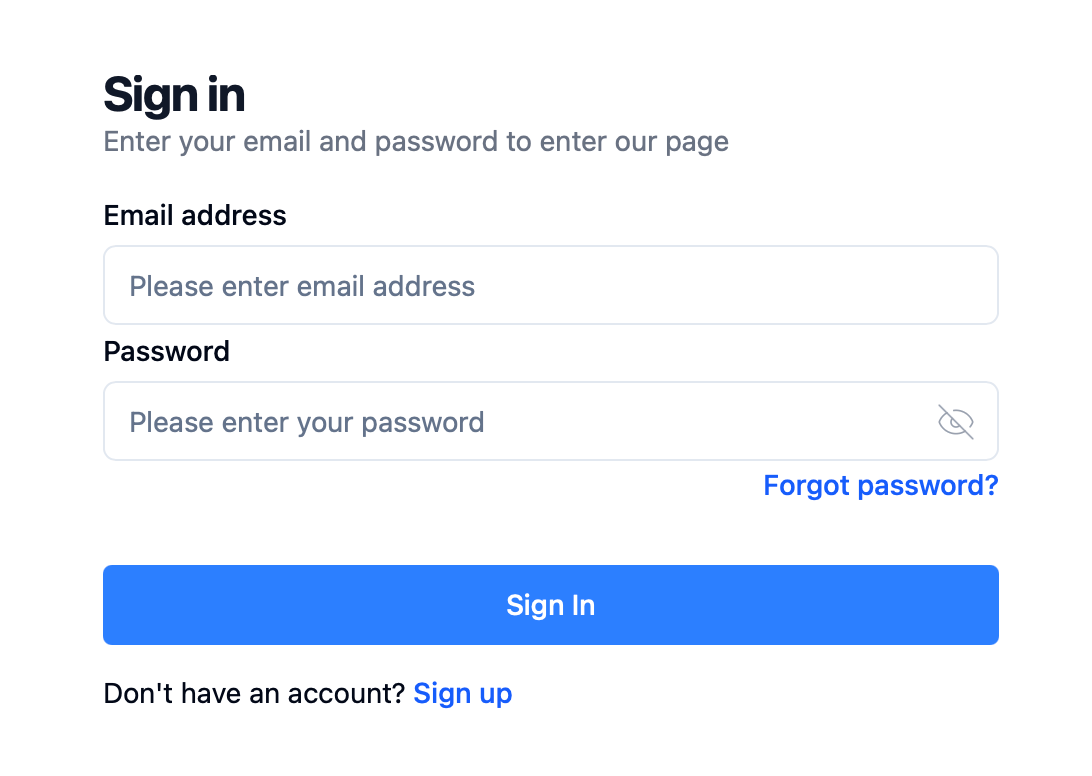
If you refresh the page, the error message should disappear. If this doesn’t work, reset your password using the Forgot Password? option.
Resetting your password using this option will also verify your email address. When attempting to log in again after resetting your password, the error should be gone. If you continue receiving an error after resetting, contact the UQPAY Customer Support Team for investigation.